Changelog

Release notes for the TeleoTV apps on iOS and Android. Every public release is logged here, newest first.

June 2026

Version 1.8#

A rebuilt TV guide - smooth from edge to edge

Version 1.8 is all about the TV guide. We have rebuilt the home grid from the ground up, so browsing across your channels and days now feels fast and smooth from edge to edge.

A faster, smoother guide

The heart of TeleoTV is the guide, and we wanted it to feel effortless. This release replaces it with a brand-new grid built for performance - scrolling stays smooth no matter how far you fling, with natural momentum and snappy response as you move around your schedule.

Little touches that feel right

Subtle haptic feedback now confirms your actions as you reorder, delete or change your settings, so everything feels that bit more responsive in the hand. Channel and platform logos load faster too, so the guide fills in quicker as you browse.

Version 1.7#

List View - browse the guide your way

Version 1.7 is all about browsing the guide your way - choose how your schedule lists look, get more detail on every programme, and enjoy a smoother, faster guide throughout.

Choose your List View

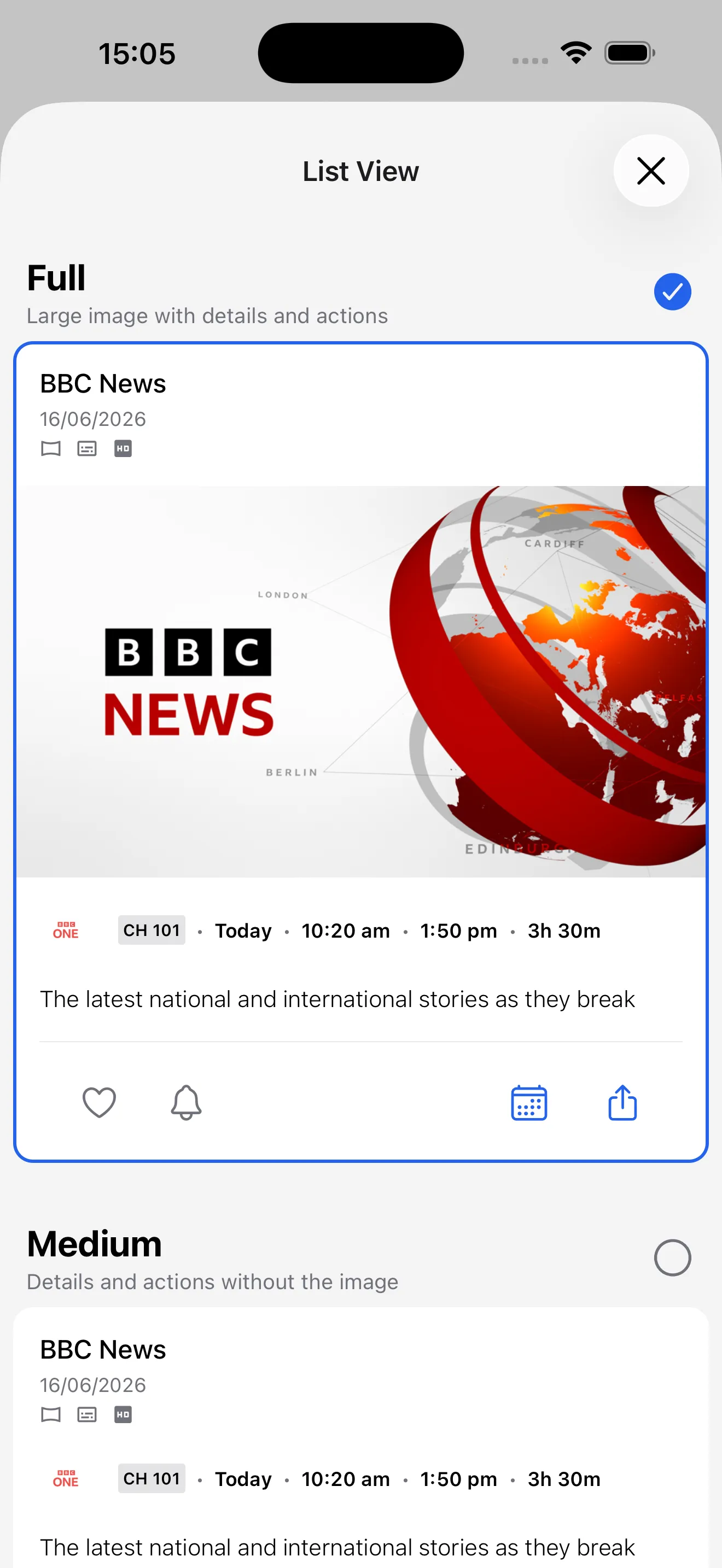
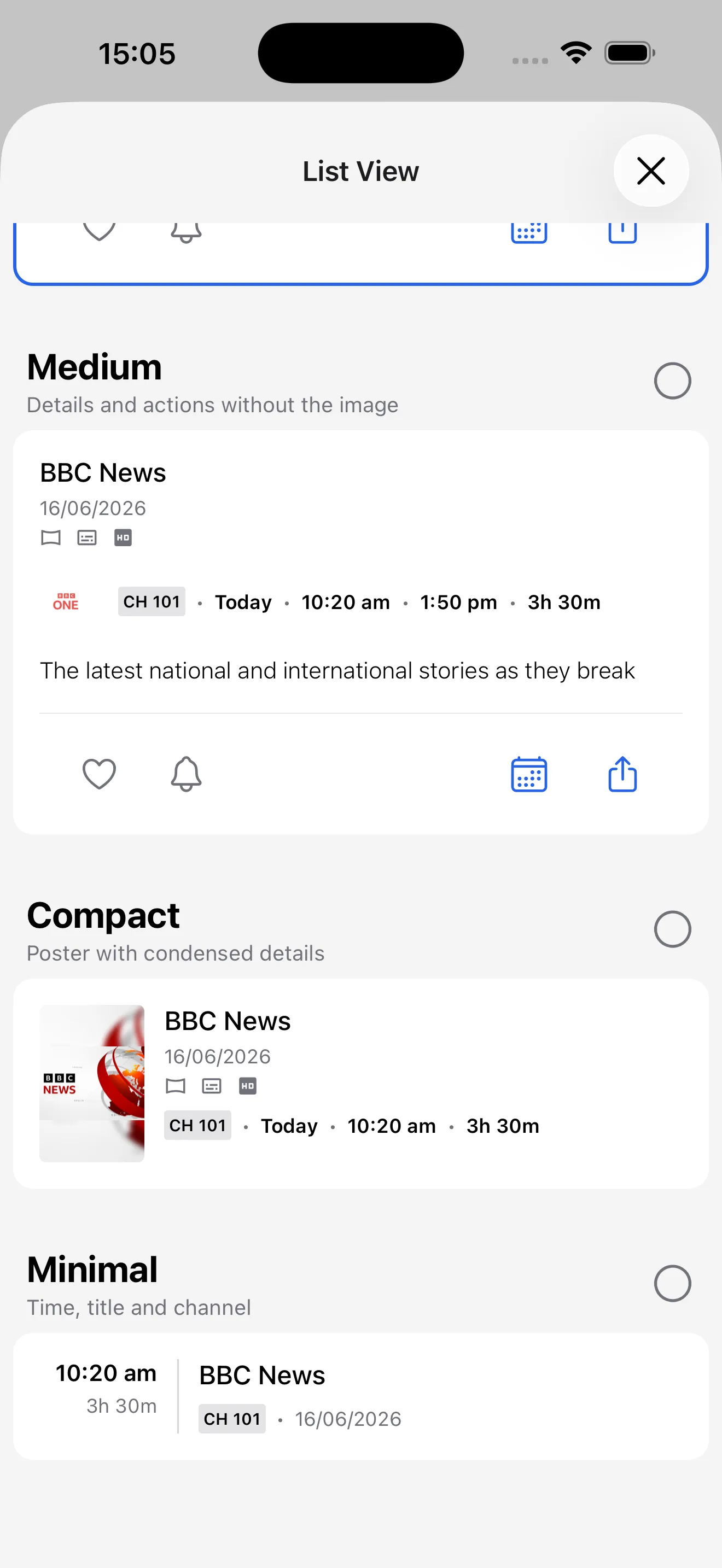
New List View options let you set how much detail each schedule list shows. Pick Full for large artwork, or step down through Medium, Compact and Minimal for a tighter, agenda-style list that fits more on screen. Live previews make it easy to find the look you like, and your choice is remembered everywhere your schedules appear.

List View options with Full selected, showing large programme artwork with details and actions
Full: large artwork, with details and actions
List View options showing the Medium, Compact and Minimal layout previews
Step down to Compact or Minimal to fit more on screen

More about every programme

Programme details now include a new More Information section, so there is more to read about what is on before you tune in.

A smoother, faster guide

We have refined the TV guide so it scrolls more smoothly and responds faster as you move around your channels and days.

A friendlier first run

Getting started is simpler too - tap to advance through onboarding at your own pace, and pick your TV platform from a cleaner, easier-to-scan layout.

Version 1.6#

Search - find what to watch in seconds

Version 1.6 adds a brand-new Search tab, so you can jump straight to a programme by name instead of scrolling the guide to find it.

Search your guide or the full catalogue

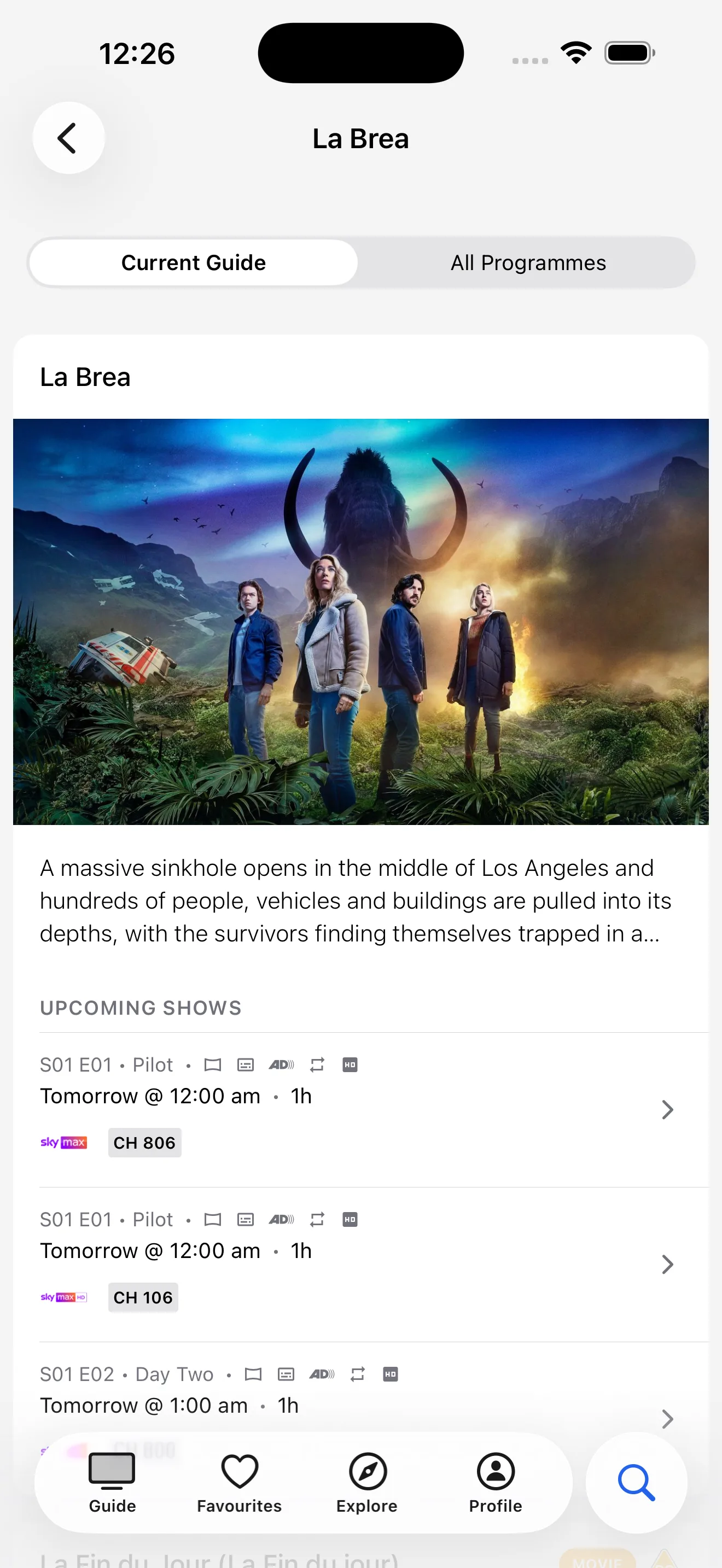
Start typing and TeleoTV suggests matching programmes as you go. Search Current Guide to find what is on across your channels over the coming days, or switch to All Programmes to search the wider catalogue - even shows that are not currently scheduled.

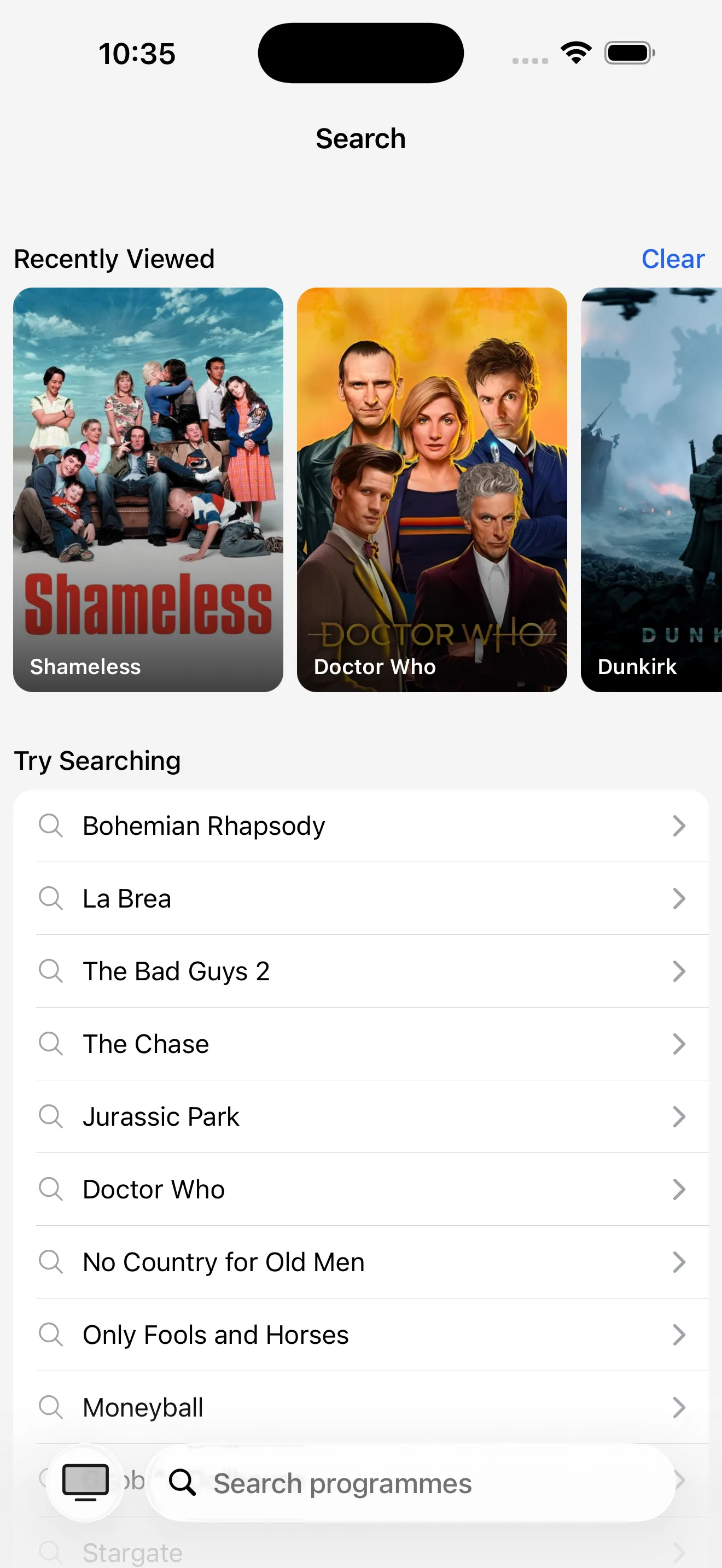
Search tab showing Recently Viewed shows and starter search suggestions
Recent views and suggestions on the new Search tab
Programme result with Current Guide and All Programmes tabs
Switch between Current Guide and All Programmes

Pick up where you left off

The Search tab remembers your recent searches and the programmes you have recently viewed, so your next search is one tap away. Not sure what to look for? A few starter suggestions help you dive in.

Find your next World Cup match

The FIFA World Cup 2026 kicks off in June. Search a team or "World Cup" to jump straight to the fixtures on BBC and ITV - then tap the bell to set a reminder so you never miss kick-off.

May 2026

Version 1.5#

Programme reminders - never miss a show you've been waiting for

With version 1.5, TeleoTV can give you a quiet nudge before any programme starts. Tap the bell once on the shows you care about, and we will take care of the rest.

Set a reminder with one tap

A new bell sits on every programme. Tap it from the schedule cards or the programme detail page and TeleoTV will send you a push notification 15 or 30 minutes before the show airs - whichever you chose in Notification Settings. Tap the bell again to remove the reminder.

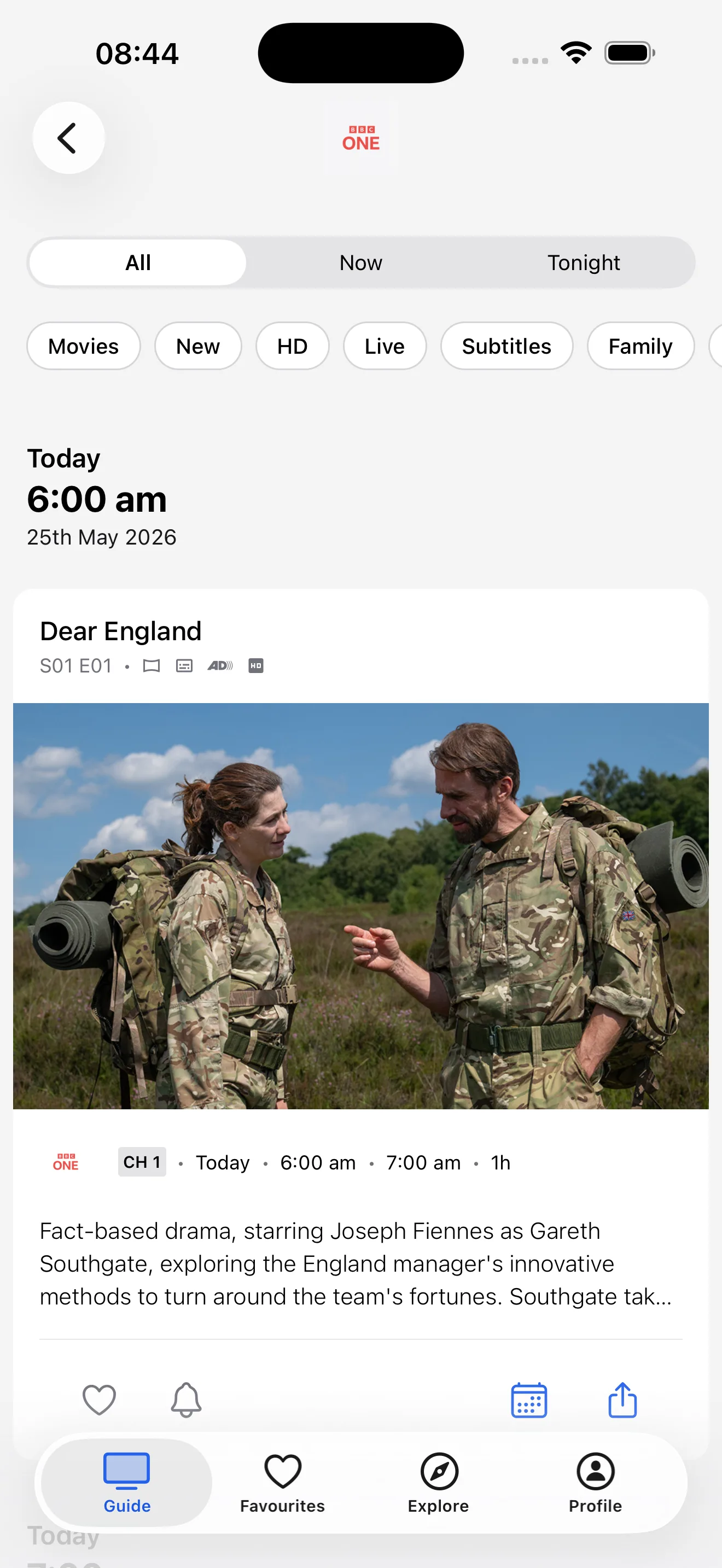
Programme detail with the reminder bell, opened from the Guide
Set a reminder straight from the Guide
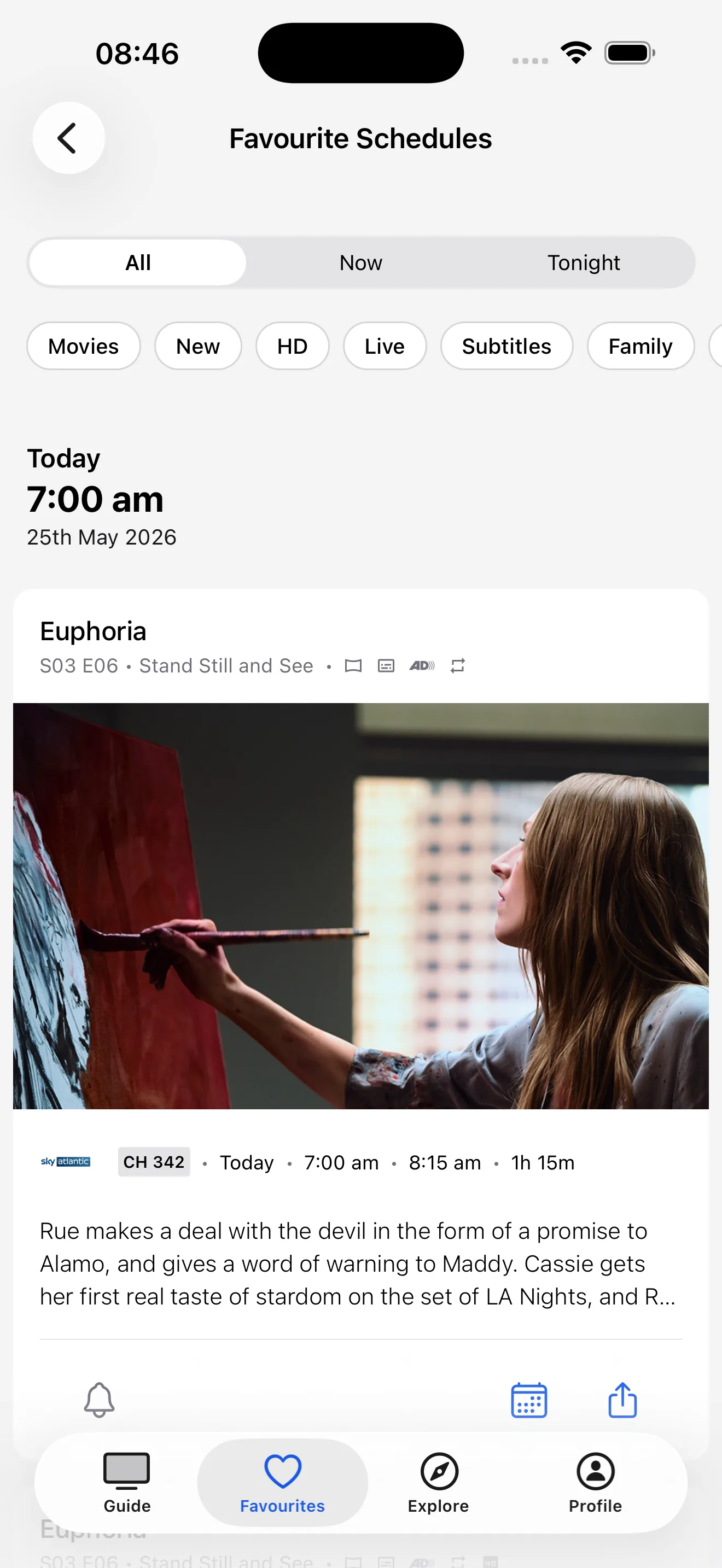
Programme detail with the reminder bell, opened from Favourites
Or from any show in your Favourites

Manage your reminders from Profile

Every reminder you set lives in a single tidy list under Profile, ready to review, tidy, or remove in bulk. It shows everything you have asked to be reminded about, so you can keep your list intentional without scrolling through the guide.

Pause sends without losing the list

Going on holiday, or simply taking a break from notifications? A new Programme Reminders toggle in Notification Settings lets you pause sends on this device without removing any of your saved reminders. Turn it back on whenever you want and future reminders resume automatically. When sends are paused, your reminders list shows as Paused, so you always know where things stand.

Just in time for the World Cup

Reminders land ahead of the FIFA World Cup 2026 in June and July. Tap the bell on the match-ups you want to catch live on BBC and ITV, and let your phone find you when kick-off is close - whether that is the opening game, a knockout fixture, or your team's group stage.

Version 1.4#

Favourites are here - keep track of the shows you love

With version 1.4, TeleoTV becomes a TV guide that remembers what you care about. Save the shows you love and see at a glance when each one is on next.

Save your favourite shows

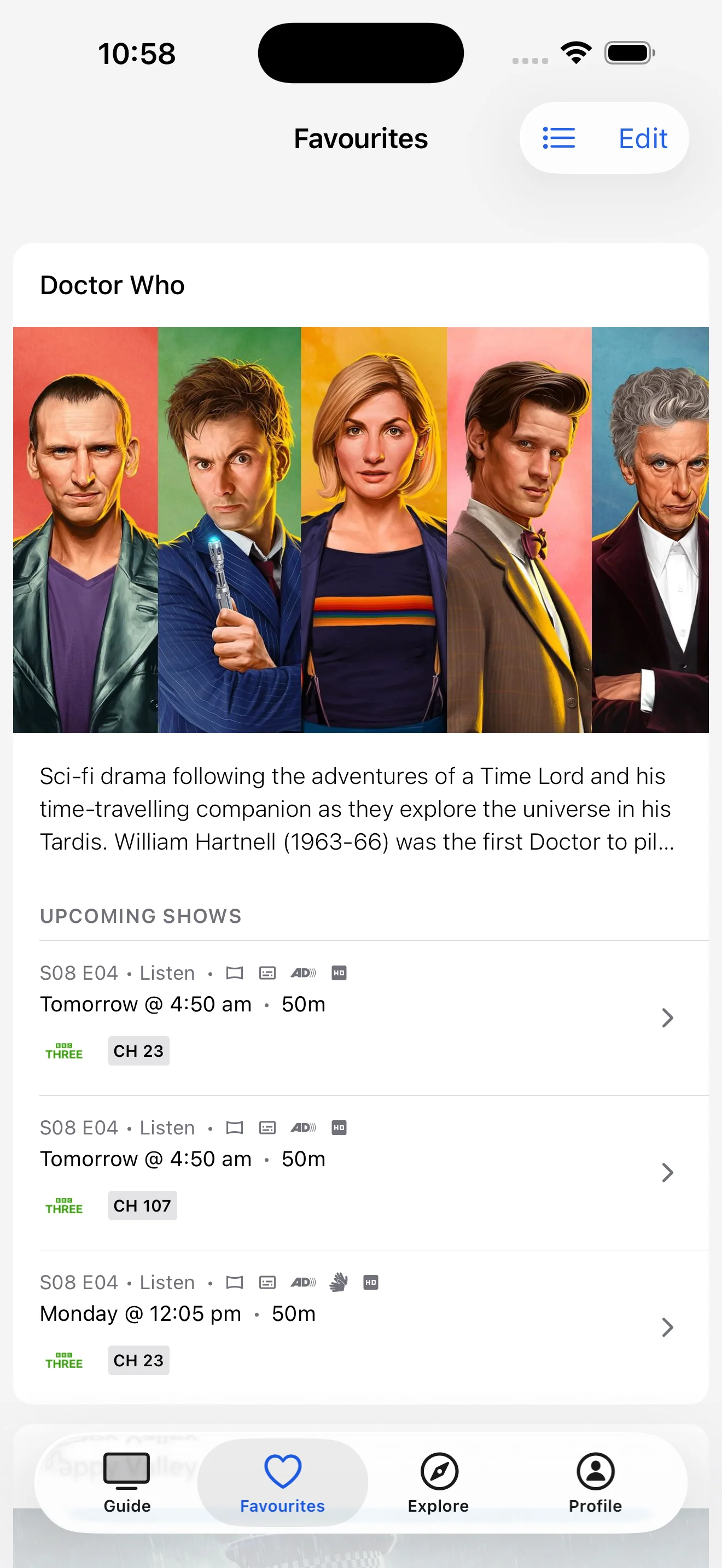
The new Favourites tab is the simplest way to track shows across every UK and Irish TV channel. Tap the heart on anything in the guide - a returning drama, the football, a long-running soap, a one-off documentary - and it lands in your Favourites, with Today and Tomorrow labels showing exactly when the next episode airs. Editing your list is quick and effortless, with a clean action sheet that keeps the controls right where you need them.

Favourites tab showing Doctor Who with upcoming episodes
Your favourites in one place
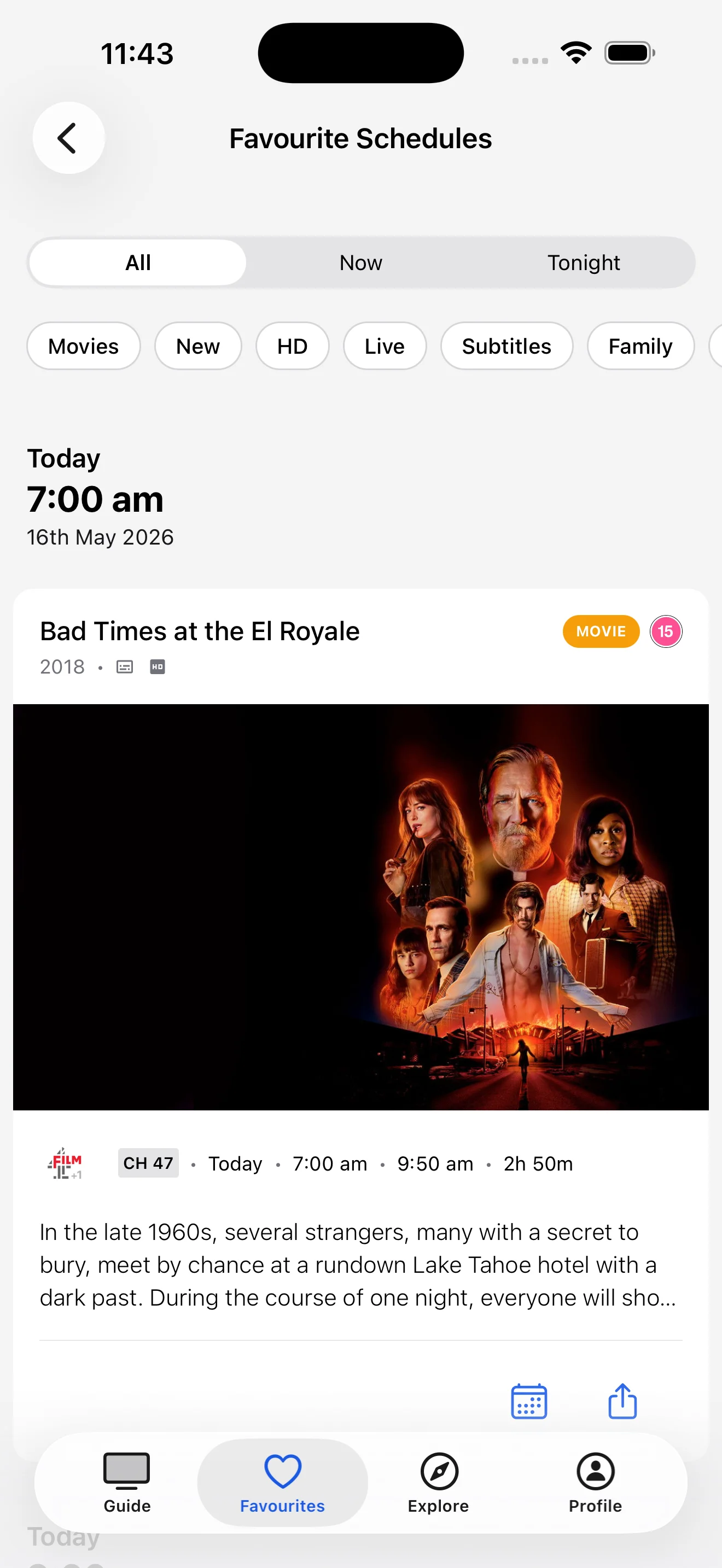
Favourite schedules with time-of-day filters
Filter by Now, Tonight, or browse by time

Catch up on what is new

A new What's New row in your profile keeps you in the loop on every release, so you can see what has changed without going looking for it.

A gentler first run

Onboarding is friendlier in 1.4. Your name is now optional if you would rather get straight to the guide, the scroll behaviour has been tidied up, so the whole experience feels a little more considered.

Polished for tablets

Tablet users get a noticeable lift in 1.4. Favourites, onboarding, reorder modals, and bottom sheets now share a consistent padding convention on larger screens, so the layout feels deliberate rather than stretched.

Version 1.3#

A calmer, clearer way to choose your channels

This release is all about polish. We focused on the two corners of the app that get the most use - choosing your channels, and getting set up for the first time - and made the everyday moments feel calmer, clearer, and more in control.

Smarter channel management

Reordering channels now works the way you would expect. You see only what is enabled, you can filter without losing your place, and a running count keeps track of how many channels you have turned on for your platform. No more scrolling through hundreds of items to find the ones you actually care about.

A friendlier first run

Onboarding has been redesigned around the platform and region logos you already recognise, so picking your setup feels less like filling out a form and more like flipping through a catalogue. Animations are smoother throughout, with motion that guides you rather than distracts.

Cleaner colour and contrast

Segmented controls across the app now use a clearer colour palette, so it is easier to see what is selected at a glance - especially in light mode.

April 2026

Version 1.2#

TeleoTV launches on iOS and Android

TeleoTV is here. After months of building, the first public release of TeleoTV is now available on iOS and Android - a free, fast, beautifully simple TV guide for the UK and Ireland.

All your channels, in one place

Freeview, Freesat, Sky, Virgin, BT TV, YouView, TalkTalk, and Freely - TeleoTV covers every major UK and Irish TV platform. Pick yours during setup and you will see the exact lineup that matches your living room, with no clutter from channels you do not have.

Listings tuned to your region

From Scotland to Cornwall, Northern Ireland to the Republic, TeleoTV serves the correct local schedule for your area. No more wondering whether the football is on tonight where you live, or whether the news at six is the regional bulletin or the national one.

A week ahead, always

Browse what is on now, tonight, and up to seven days into the future. Plan your evenings, catch the season finale, or just see what is lined up for the weekend - all in one place, with no flipping between channels to find out.

Free, with no fuss

Download the app, pick your region, and start browsing. No account required, no paywall on the guide itself. Optional sign-in is there if you want to sync across devices, but it is never in the way.